


Restaurants Qualify for $5,000 welcome bonus when you switch your processing to Highline. See eligibility

45+ banking relationships
ACH & eCheck

Get Paid Bank to Bank.

ACH and eCheck debit a customer’s bank account directly. For invoices, memberships, payment plans and larger tickets that is often a better fit than a card — a different cost structure, a different timetable and different rules.

  • Bank to bank
  • Recurring debits
  • Invoices
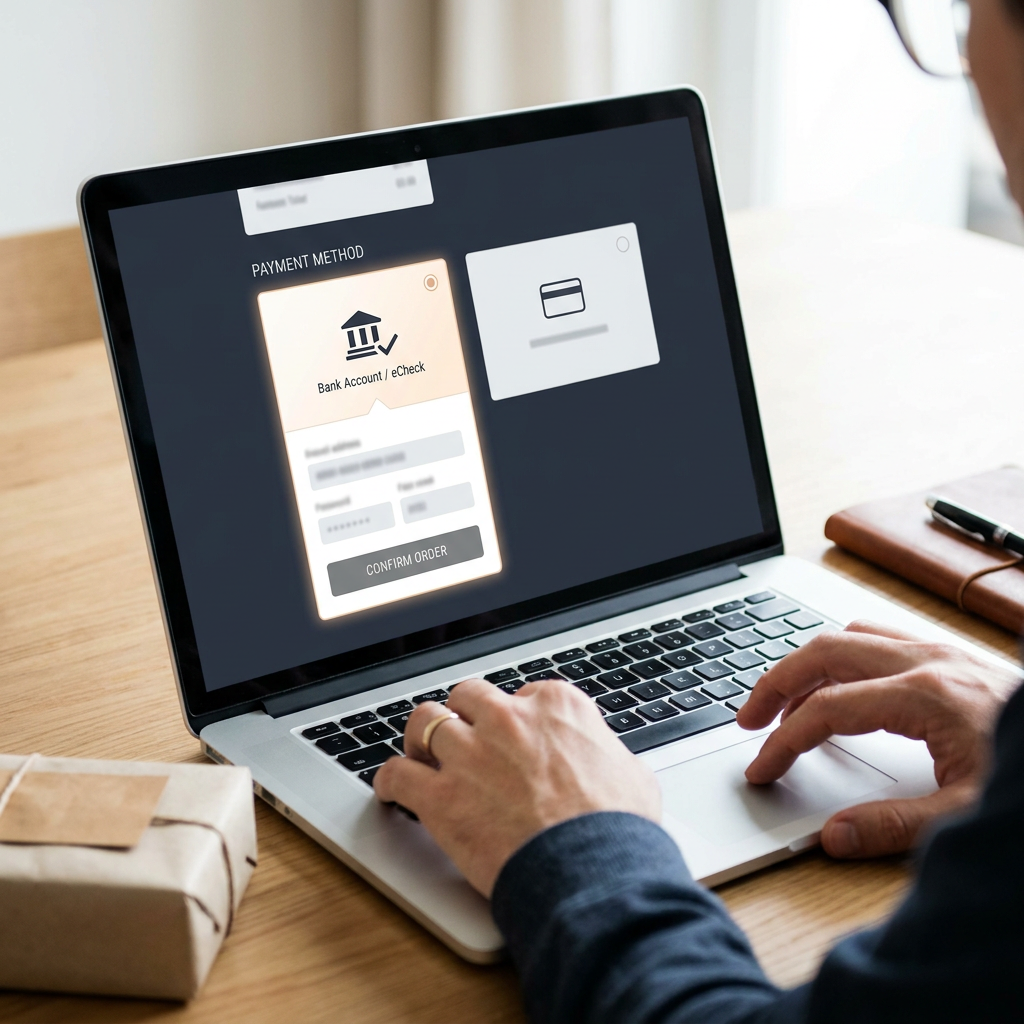
  • eCheck checkout
  • Authorization records
  • Returns handling
ACH Bank to bank
  • Bank account Routing and account
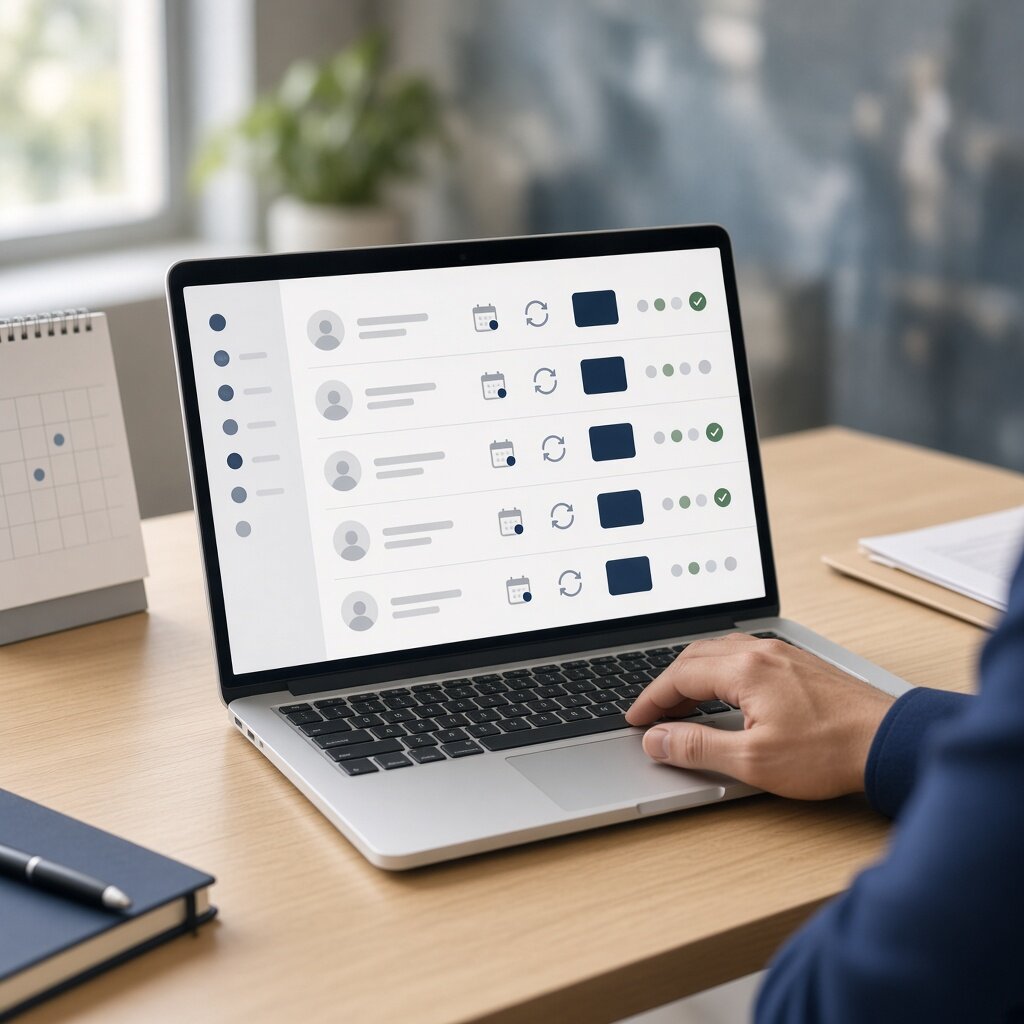
  • Recurring On a schedule
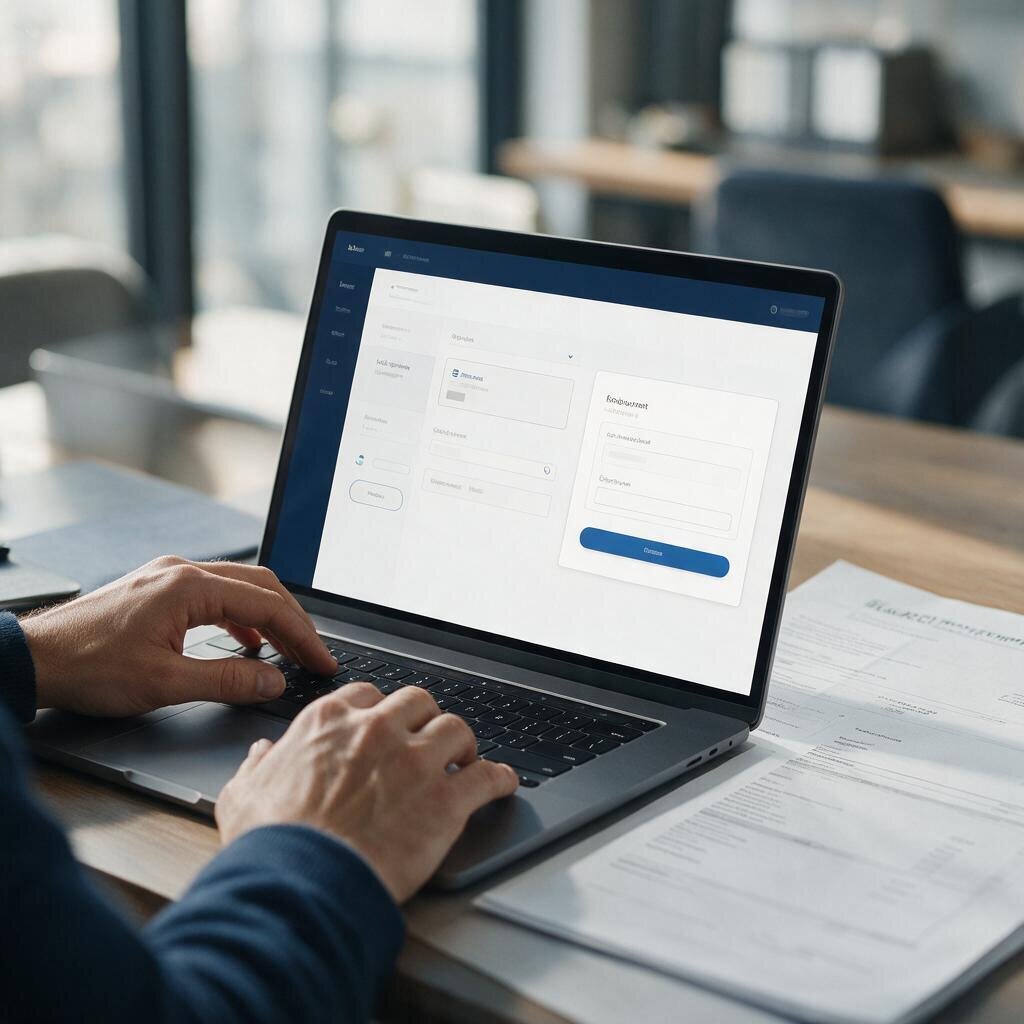
  • Payment link Invoice or checkout
  • Virtual terminal Keyed by your staff
Highline ACH origination
  • Authorize
  • Originate
  • Settle
Network Sent to the bank
Merchant Funded on schedule

Illustrative diagram of a bank debit. Settlement and return timeframes are set by the ACH network and by your account setup.

Use cases

Where a bank debit beats a card.

ACH is not a cheaper card. It is a different payment method with its own authorization, its own timetable and its own failure mode — a return rather than a decline. These are the situations where that trade is usually worth making.

Invoices paid without a card on file.

Business customers often will not leave a card against a recurring invoice, and card limits get in the way of larger balances. A bank debit — or a pay-by-bank link on the invoice itself — closes that gap without adding a system to reconcile.

  • Typical setupInvoice with a pay-by-bank link, or a stored authorization on the account
  • Also handlesPartial payments and scheduled balances
  • Worth knowingACH settles on its own timetable, so your payment terms should reflect that rather than card timing
Online Checkout
How it works

What happens when a bank debit is taken.

Six stages. The important difference from a card sits at the end: an ACH entry can be returned after the money has already moved, which is why the authorization at the start carries so much weight.

  1. Authorization

    The customer agrees to the debit — the amount, how often, and how to stop it — and that agreement is recorded and kept.

  2. Payment details

    Routing and account numbers are captured through your checkout, a payment link, or keyed by your staff, and encrypted immediately.

  3. Entry created

    The ACH entry is built, your risk and velocity settings are applied, and it joins the next origination batch.

  4. ACH network

    The batch travels the network to the customer’s bank, which posts the debit against the account or rejects it.

  5. Settlement

    Funds move to your bank account on the ACH timetable set at account setup — a different schedule from cards, not a slower version of the same one.

  6. Returns window

    A returned entry — closed account, insufficient funds, a disputed authorization — comes back with its reason so it can be retried or resolved.

ACH is not instant, and it is not a card. Settlement timing, return windows and retry rules are set by the ACH network and by your account configuration. Nothing here should be read as a guarantee of when funds arrive.

Built for

Where bank payments do the most work.

Explore Industries

Invoices, retainers and payment plans for businesses with no storefront and no appetite for chasing a card.

What matters
Getting paid on the agreed date without a phone call
Typical setup
Pay-by-bank invoice links · a stored authorization for retainers
Common add-on
Card acceptance alongside, for clients who prefer it
Professional services payments
Setting it up

Fitting bank payments into how you already bill.

ACH usually sits alongside card acceptance rather than replacing it. The work is in the workflow, not the technology.

The decision is rarely “cards or ACH”. It is which customers, which invoices and which amounts are better served by a bank debit — and what happens on the days one does not go through. Settling that before launch is what separates a clean bank-payment program from one that generates support calls.

Availability, limits and settlement timing depend on your account setup and are confirmed during underwriting.

  1. Decide what moves Pick the payments a bank debit genuinely suits — recurring dues, terms invoices, installments, large tickets — and leave the rest on cards.
  2. Capture authorization properly Record what the customer agreed to: the amount, the frequency, the start date and how they cancel. This is the document that answers a disputed debit.
  3. Agree the returns process Decide in advance how a returned entry is retried, when the customer is contacted, and at what point the payment becomes a conversation rather than an automation.
  4. Reconcile in one place Cards and bank debits report through the same merchant account, so match payments to invoices in one workflow rather than two.
Why Highline

One relationship for both ways of getting paid.

The difference

Cards and bank debits on the same account.

Running ACH through a separate provider means two logins, two reconciliations and two support numbers for one customer’s payments. Here both methods sit on one merchant relationship and report in one place, so “did they pay?” has a single answer.

  • Bank-to-bank acceptance Debits authorized per customer, taken once or on a schedule you set.
  • Recurring without card expiry A scheduled debit does not fail because a card was reissued, which removes the most common cause of involuntary churn.
  • Authorization kept with the payment What the customer agreed to is stored with the transaction record — which is what answers a disputed debit.
  • One reconciliation Card and bank payments report through the same account, so there is one place to match payments against invoices.
  • Help from people who can see the account Returns, retries and limits are handled by a team looking at your actual setup rather than a general queue.
Questions

ACH and eCheck, answered plainly.

If the question is about your own billing, the useful answer comes from someone looking at the invoices you actually send.

Talk to Sales
What is an ACH payment?

A payment that moves directly between two bank accounts over the ACH network, rather than across a card network. You collect the customer’s authorization and their bank details once; the debit is then created against their account and settled to yours. It is the same rail behind direct deposit and automatic bill payment — used in the other direction.

How is ACH different from a credit card payment?

Three ways that matter. It is authorized differently — you keep a record of what the customer agreed to, rather than an approval code. It settles on its own timetable rather than at card speed. And when it fails it fails afterwards, as a return, rather than as a decline at the moment of payment. That last difference is why the authorization at the start carries so much weight.

What is the difference between ACH and an eCheck?

In practice, very little. Both move money from a customer’s bank account to yours across the ACH network. “eCheck” usually describes the customer-facing version — entering bank details on a checkout page instead of writing a paper check — while “ACH” describes the network the payment travels on. They are set up, authorized and settled the same way.

Can ACH be used for recurring payments?

Yes — it is one of the strongest reasons to use it. A stored authorization is charged on the schedule you agreed, and unlike a card it does not stop working because the card expired or was reissued. The authorization has to cover the amount, the frequency and how the customer cancels, and it needs to stay valid for the whole arrangement rather than just the first charge.

How is ACH priced compared with cards?

Differently, and it depends on your volume, your typical amount and your return history — which is why no figure appears on this page. ACH does not carry card interchange, so the two cannot be compared line for line. The honest way to answer it is to look at your current statements and at the payments you would actually move to a bank debit, rather than to quote a number first.

When do the funds arrive?

On the ACH timetable, which is set by the network and by your account configuration rather than by us — and it is not card speed. Your settlement schedule is confirmed when the account is set up and is visible in reporting. Treat any timing mentioned before then as an expectation rather than a commitment.

What happens if a payment is returned?

You are notified with the return reason — most often insufficient funds, a closed account, or a customer saying they did not authorize it. From there the entry can be retried within the network’s rules, or the payment becomes a conversation with the customer. Agreeing that process before you launch is worth more than any feature on this page.

What counts as valid authorization?

A record of the customer agreeing to the debit: the amount or how it is calculated, how often it will be taken, when it starts and how they cancel it. For recurring payments that record has to survive the whole arrangement, not just the first charge. It is the single thing that decides a disputed debit, so it is worth setting up properly at the start.

Can I take cards and ACH on the same account?

Yes, and that is the usual arrangement. Card acceptance and bank debits run on the same merchant relationship and report through the same place, so a customer can pay by card at the counter and by bank debit on their monthly invoice without you running two systems or reconciling two reports.

What do you need from me to get started?

What you bill for and how you bill for it — invoices, dues, installments, one-off large tickets — plus business and ownership details for underwriting, and how you collect customer authorization today. If you already take cards, a recent processing statement helps show which payments are worth moving to a bank debit and which are better left where they are.

Get started with Highline

Move the payments cards handle badly.

Bank to bank, on the same account.

  • Cards and ACH on one merchant relationship
  • Authorization stored with the payment
  • Returns handled by people who can see your setup